

By Samipan Bandyopadhyay, developer of Fitto AI
Version 1.1.5 is the largest Fitto update so far. Most of it answers one question people kept asking after they had logged for a week or two: “OK, I can see what I ate. Now what?” Here is everything that changed, roughly in order of how much it changes your day.
Update through the App Store or Google Play as usual. Nothing needs setting up first, and your streak, history and credits carry over.
Coach: a nutritionist that has read your log
There is a new Coach tab. It is a chat with an AI nutrition coach, and the difference from asking a general chatbot is what it already knows: your target, your goal, your last two weeks of meals, the foods you eat most, your weigh-ins and your streak. Ask “why isn’t my weight moving?” or “what should I have for dinner?” and the answer starts from your numbers rather than from a generic diet.
It can also act, not only talk:
- Build a meal plan for a day or a week, fitted to your calorie and macro targets and your preferences.
- Make a grocery list from that plan, with staples and what’s already in your pantry set apart.
- Suggest your next meal from the plan, or from meals you already eat.
- Log a meal from the chat. Describe it, say it, or send a photo, and the coach drafts the entry. You review it and log it, so nothing reaches your diary unseen.
Chatting is free, up to 40 messages a day. Anything that runs an AI analysis costs what it costs elsewhere in the app: 1 credit for a meal plan, 1 for turning a described or photographed meal into a log. Grocery lists, swapping one meal in a plan, and logging a planned meal are free. How the coach works, in more detail.
Meal plans that know when you followed them
Plans made by the coach are checked in code after the AI writes them: calories are recalculated from the macros, each day is scaled to land on your target, and your allergies are checked against every ingredient. A plan that cannot avoid an allergen is refused and the credit refunded.
Once a plan is active, you don’t have to tick anything off. When you log a meal that matches a planned one, Fitto links them and the meal gets an On plan badge. If it guessed wrong, tap “Not this meal” and it won’t make that match again. Following a plan is counted in meals followed, never in calories, so eating more than planned never lowers it.
Lighter versions of the meal you just scanned
After a scan, the result screen offers Try a lighter version. You get 3 alternatives built from your own plate: a small tweak to the same dish, a lighter rebuild of it, and a different dish that scratches the same itch. Each one shows what changed, its calories, protein and Fit Points, and has a recipe one tap away.
Some limits are built in: an alternative is never more than 50% lighter than the original, keeps at least 90% of its protein, and never scores lower on Fit Points. If your goal is to gain weight, you get more nutritious versions at about the same calories instead of lighter ones.
A new set costs 1 credit, and the price is shown before anything is charged. Opening the same meal again within 30 days is free, and if nothing passes those limits the credit comes back. More on how lighter versions are chosen.
Favourite meals
Most people eat from a small pool of repeat meals, so rescanning “the usual” every day spends a credit on food the app already knows. Star a logged meal, or a lighter version you liked, and it appears under Favourites in the log menu. Logging a favourite costs no credit: you check the entry and log it, and the ones you use most move to the top.
Leaderboards that rank logging, not eating less
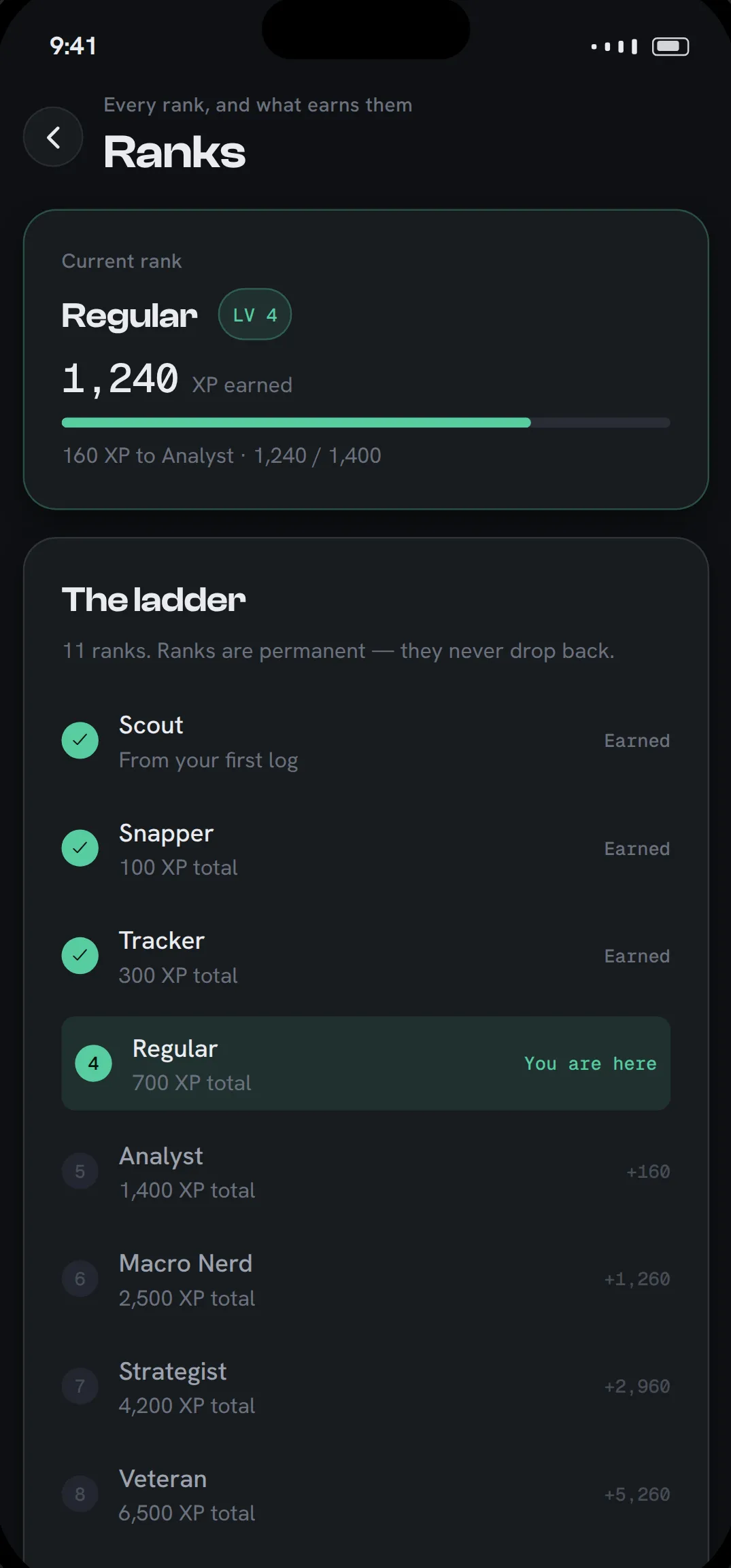
The Analysis tab has a third view: leaderboards. There are three boards (this week, all time, and current streak), each for everyone or just your country. The weekly board resets on Monday at 00:00 UTC, so everyone sees the same countdown.
The rule that shaped all of it: only logging is ranked. XP comes from logging meals, logging days, quests and streak milestones. Calories, weight and staying under target are never ranked, because a board that rewards eating less teaches people to stop logging their heavy days. Meal XP is also capped at 6 meals a day, so the boards can’t be won by logging snacks one at a time.
You appear as your first name and last initial. You can hide yourself from every board in Profile, and the first time you open the leaderboard it shows you exactly how you appear before you decide.
Fit Points, rebuilt
Fit Points is the score on each meal. The old version averaged a score per food, which put most balanced meals on 5 or 6 and said very little. The new one scores the whole meal for your goal on four things (protein, fibre and plants, fat balance and carb quality) and takes points off for heavily processed food and added sugar.
One rule held throughout: a smaller portion of the same meal can never score higher. The score describes what is on the plate, not how little of it there is. Meals you logged before the update were re-scored, so your history is on one scale.
“Not right?” — correct a misread photo
Photo estimates sometimes get a dish wrong. Under a photo result there is now Not right? Tell us what it is. Type a correction or record a short voice note (“it’s turkey, not chicken, and there’s rice under it”) and the same photo is analysed again with your correction treated as fact. That costs no extra credit, up to 2 corrections per photo, and if a correction fails you can keep the reading you had.
Watch your scan, or let it run in the background
A photo or voice scan now opens straight onto the result screen and fills in while you watch, so the wait and the confirm happen in one place. If you would rather put the phone down and confirm later, turn on Background scans in Profile: the scan runs from Home and appears in Today’s log when it’s ready. The app asks once which you prefer.
What hasn’t changed
No subscription, barcode scans are still free, and streaks still count days you log, whatever you ate. Fitto is now on Android too. The full feature list is on the features page, and if something in 1.1.5 doesn’t work the way this post says, tell us.
Fitto AI provides estimates for general wellness and is not medical advice.
Related reading
- An AI Nutrition Coach That Reads Your Actual Food Log
- Free Calorie Tracker: How to Log Meals With No Credits in Fitto
- Best AI Calorie Tracker Apps for Android (2026)
More from Fitto
- Everything Fitto AI does: photo, voice, text and barcode logging
- Tracking calories for restaurant and takeout meals
- A calorie tracker without a subscription
- How Fitto compares with other calorie tracker apps